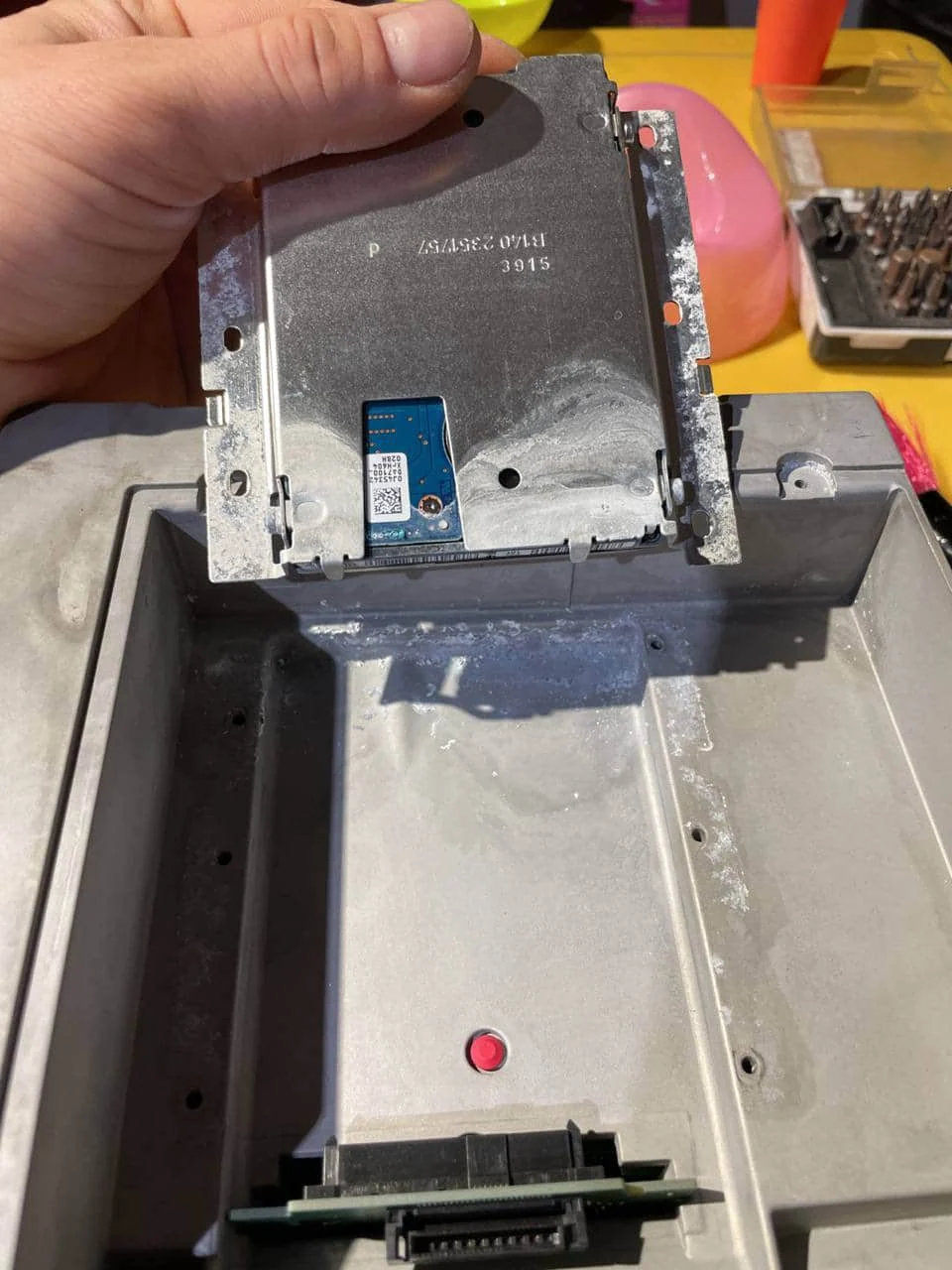
replace hdd ssd

Repair & UnlockDigital download

Professional NBT/EVO SSD/HDD Replacement & Latest Map Installation Service

5.01 review

Price: €80.00

  • Steps for replacement of a failing HDD / SSD
  • Insert new HDD/SSD into Unit
  • Connect Windows Laptop to car via ENET cable
  • Install Teamviewer Desktop Full Client. Latest working link is here : Teamviewer
  • Prepare a Minimum 64GB NTFS USB Stick with Latest MAPS for your region
  • Digital deliveryFiles in My Account after payment
  • VIN-specificPrepared for your car
  • Secure checkoutPayPal, Apple Pay, Google Pay or Wallet

Configure yours.

Professional NBT/EVO SSD/HDD Replacement & Latest Map Installation Service

Repair & Unlock · Digital download

Price: €80.00
0/17

Overview

At a glance

Revitalize your BMW's navigation system with our Professional NBT/EVO SSD/HDD Replacement & Map Installation Service

This plug-and-play solution is meticulously prepared for effortless installation into any NBT , NBT EVO ID4, ID5, or ID6 head unit.

If you're upgrading from a failing HDD this service offers a reliable and OEM procedure

Common Symptoms of a Failing HDD

  • Navigation screen stuck on Loading
  • Bluetooth connectivity not working
  • CD/DVD drive errors
  • Software update failures
  • UBS Stick is not working

Key Features

Plug-and-Play Installation: No technical expertise required; simply replace your old HDD with the new HDD/SSD.

Enhanced Performance: Keep the same OEM Experience and same System Responsiveness.

Installation Instructions

  • Remove the faulty HDD from your BMW's head unit.
  • Install the new HHD/SSD into the same slot.
  • Connect laptop to car via ENET cable and share Teamviewer:
  • Need to install teamviewer desktop full client. Latest working link was : Teamviewer
  • We need to flash your unit in order for the new HDD to be initialized
  • You need to do maps update cause the new HDD/SSD is empty
  • Enjoy your new HDD / SDD formated for your navigation system.

Why Choose Our HDD/SSD Replacement Service?

  • Pre-configured for Your Convenience: No need for manual installations or complex setups.
  • Cost-Effective Solution: Avoid expensive dealership repairs with this affordable upgrade.

Global Compatibility: We can do this service anyware in the world and we support ALL Regions

No refund possible!

Reviews

5.01 review

Needed a replacement NBT HDD remote setup in Australia. They are friendly, helpful and experts in what they do. You are in safe hands. I highly recommend Flashxcode.

Share this page

Welcome to FlashXCode!We are here to help you!
FlashXCode Owner Dragos Usually replies within minutes

Hi! 👋 I’m Dragos. How can I help? Write your message and I’ll get it on WhatsApp.