MGU Store remote installation
We install MGU Store on your iDrive remotely via TeamViewer, in about 20 minutes. You prepare the car and the laptop, and we do the rest.
Before you start
- A laptop with TeamViewer installed
- An ENET cable (Ethernet ↔ OBD)
- Internet on the laptop
- The car parked, with stable power
- About 20 minutes
-
Order the installation
Place your order with your VIN. MGU Store and its apps are free, and you pay only for our installation work. Then contact us on WhatsApp to book a time.
-
Prepare the car
Park the car and turn the ignition on. Keep the power stable for the whole session, ideally with a battery charger connected.
-
Connect the laptop
Plug the ENET cable into the car’s OBD port and into the laptop. Connect the laptop to the internet, for example over Wi-Fi or your phone’s hotspot.
-
Start TeamViewer
Open TeamViewer on the laptop at the booked time and send us your ID and password on WhatsApp.
-
We install MGU Store
We connect to your laptop and do the installation, which takes about 20 minutes. Until we confirm it’s finished, leave the ignition on and keep the laptop on and connected.
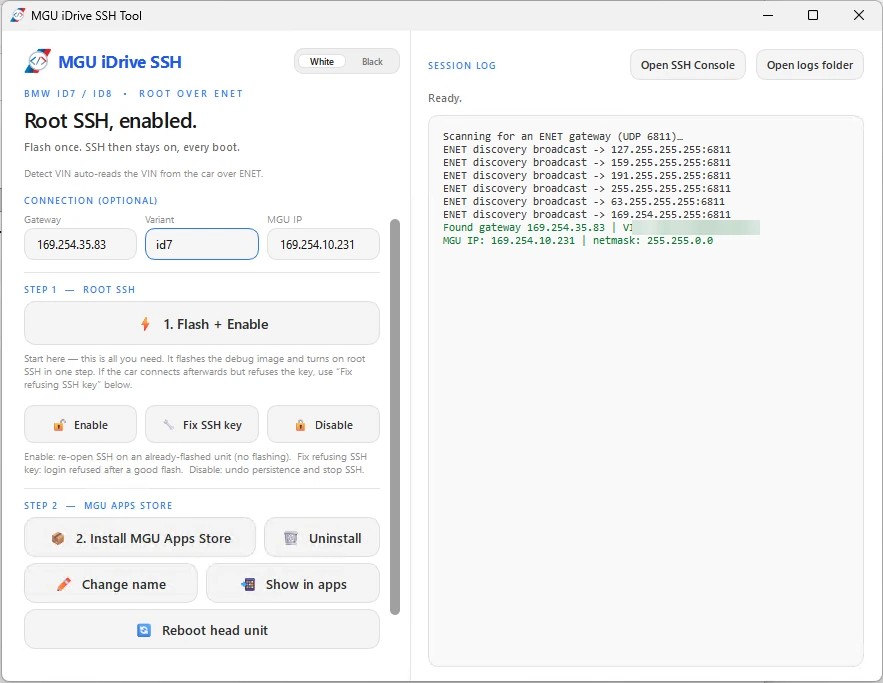
The tool we use on your laptop to reach the head unit and install the Store -
Check it on your iDrive
When we’re done, open MGU Store from the iDrive menu. We can also install the apps you’ve picked before closing the session.
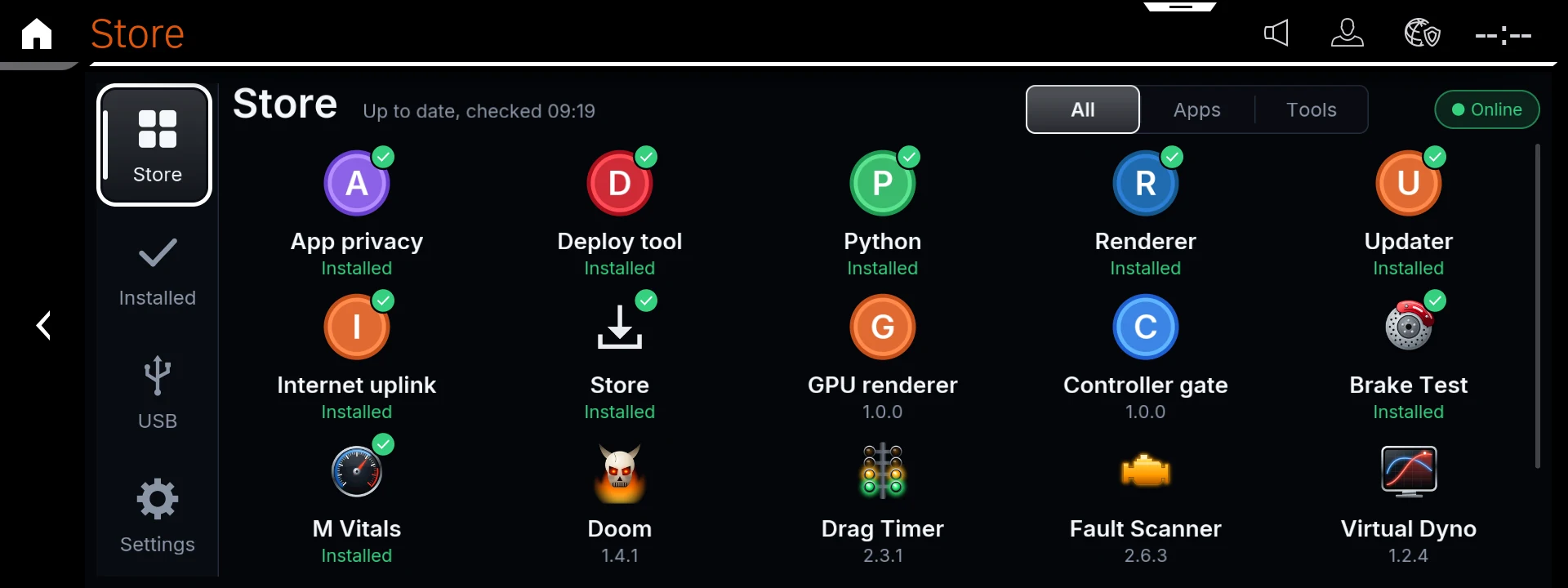
6.1The Store page: browse and install apps and tools 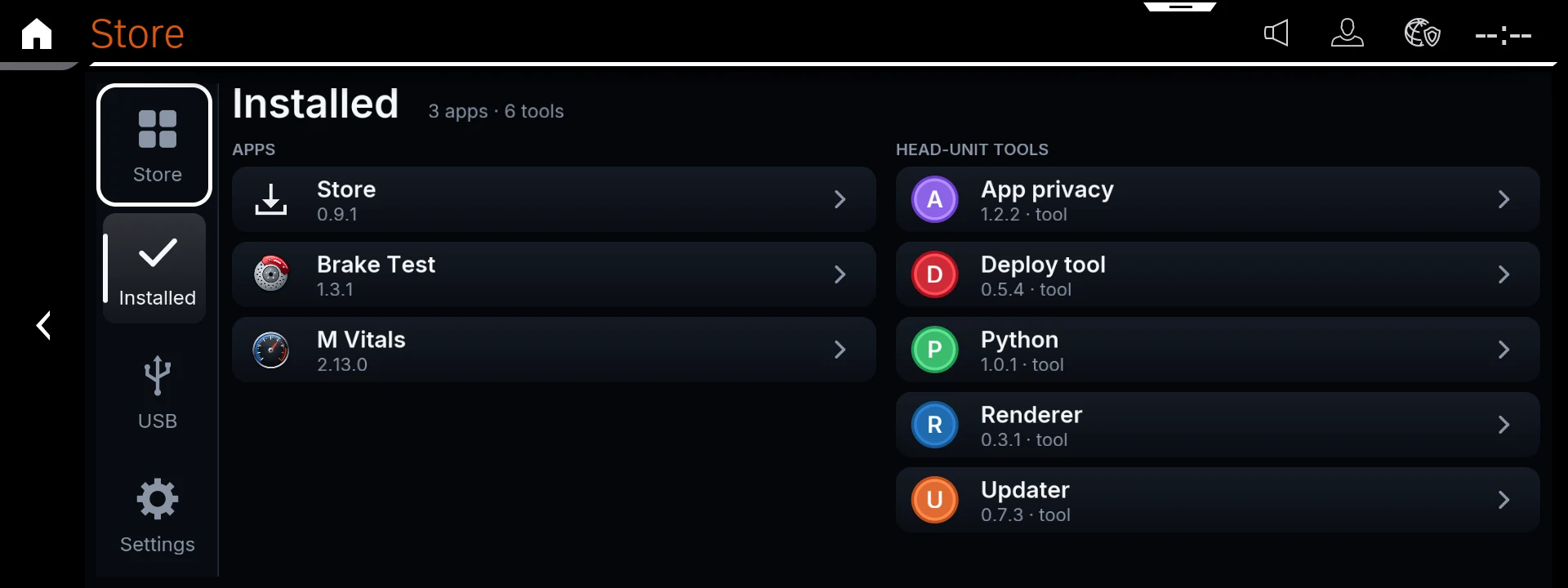
6.2The Installed page: everything now on your head unit