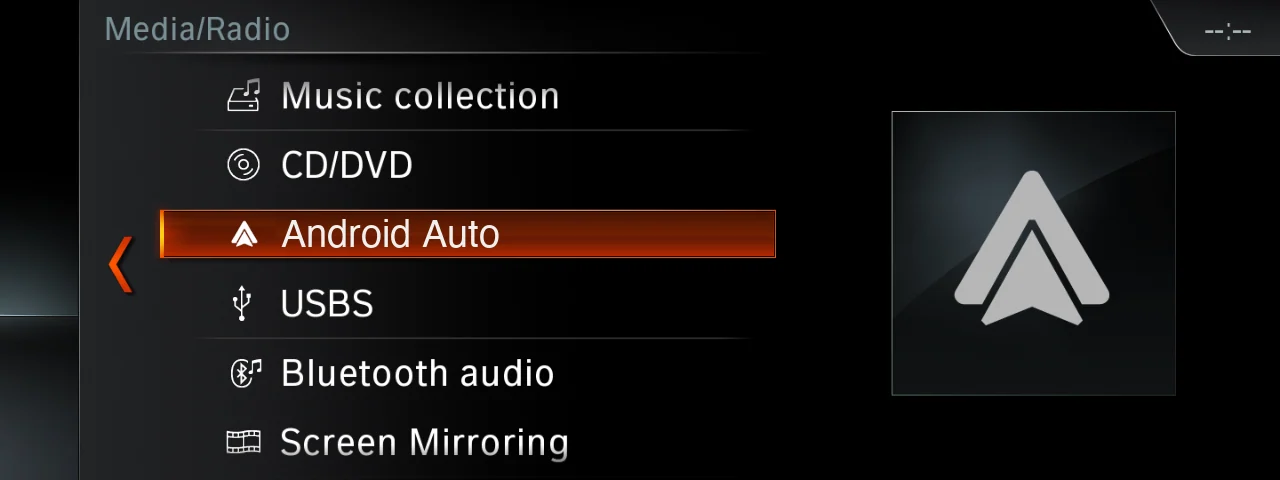
Android Auto on BMW EntryNav2

CarPlay & Android AutoDigital download

Android Auto on BMW EntryNav2

Coming soon

Android Auto on your EntryNav2 screen

Touch and iDrive control
Sound through the BMW speakers
No adapters, just software
  • Digital deliveryFiles in My Account after payment
  • Secure checkoutPayPal, Apple Pay, Google Pay or Wallet
Configure yours

Configure yours.

Android Auto on BMW EntryNav2

CarPlay & Android Auto · Digital download

Coming soon

Coming soon. Ordering opens at launch — check the details and compatibility above.

Overview

Summary

Your Android phone on the original BMW EntryNav2 screen, controlled with touch or the iDrive knob. Pure software: no adapter box, no aftermarket screen, no hardware changes.

What you get

  • Android Auto on the original screen
  • Sound through the BMW speakers with the steering-wheel volume; navigation prompts lower the music
  • Phone calls and BMW voice control take priority and pause Android Auto
  • Your favourite Android Auto apps: maps, music, podcasts and messages

Is my car compatible?

  • BMW and MINI with an EntryNav2 head unit
  • The compatibility list is published at launch
  • Not sure? Send us your VIN and we'll check before you buy

How installation works

  • Do it yourself: connect a laptop to the car with an ENET cable and run the FlashXCode installer
  • Or remotely: connect the laptop and ENET cable, and we do the rest over the internet

Coming soon.

Share this page

Welcome to FlashXCode!We are here to help you!
FlashXCode Owner Dragos Usually replies within minutes

Hi! 👋 I’m Dragos. How can I help? Write your message and I’ll get it on WhatsApp.