

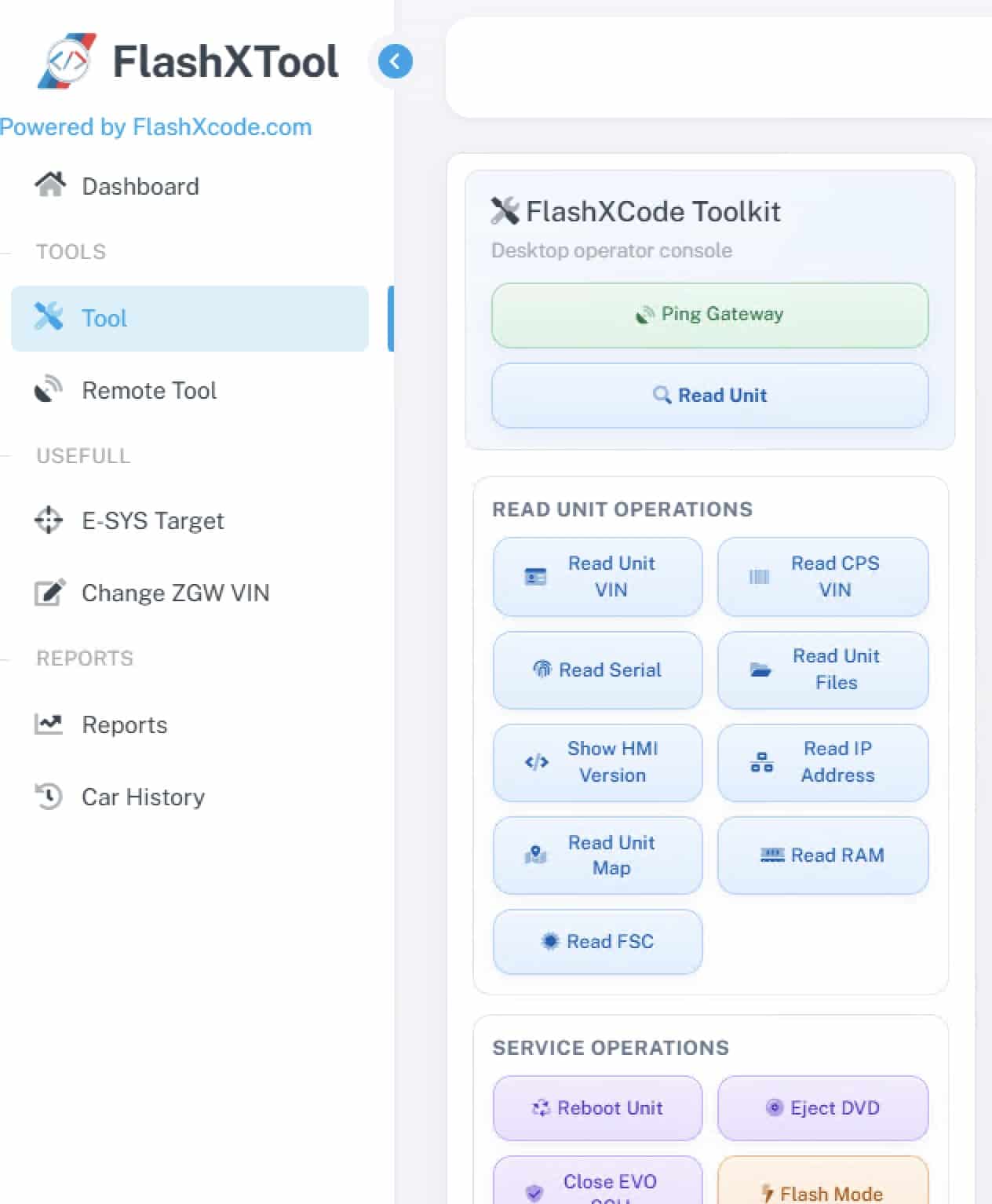
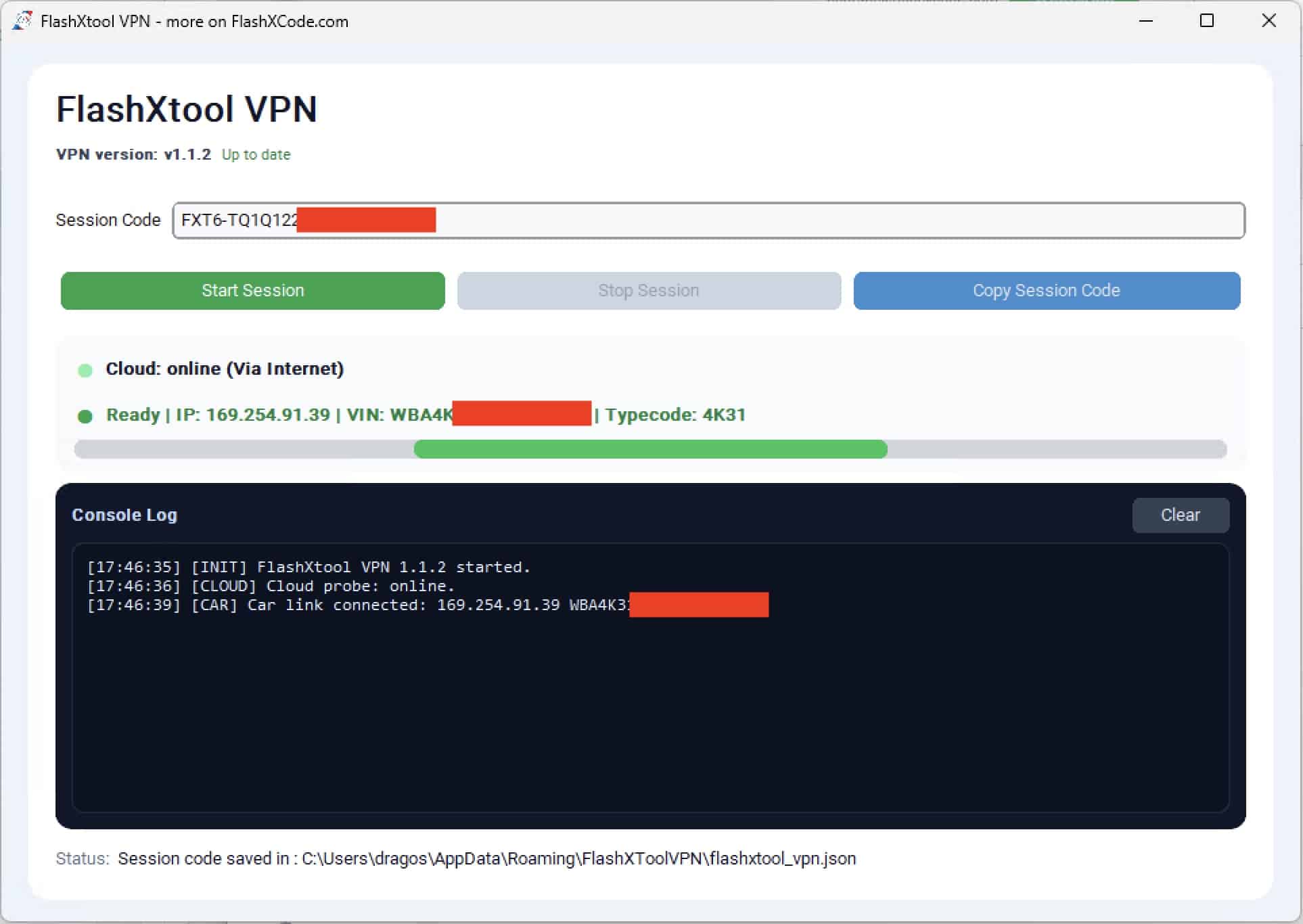
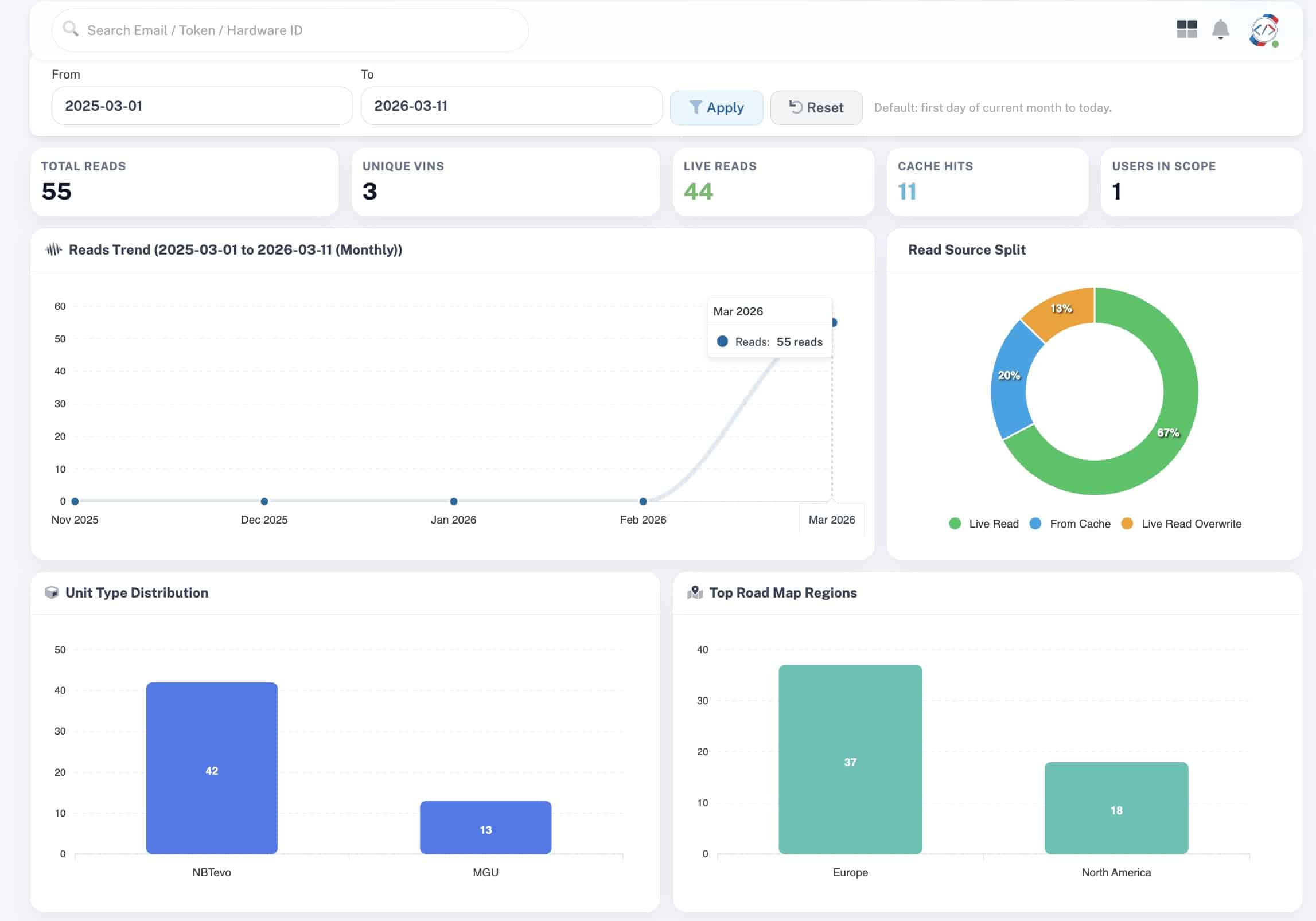

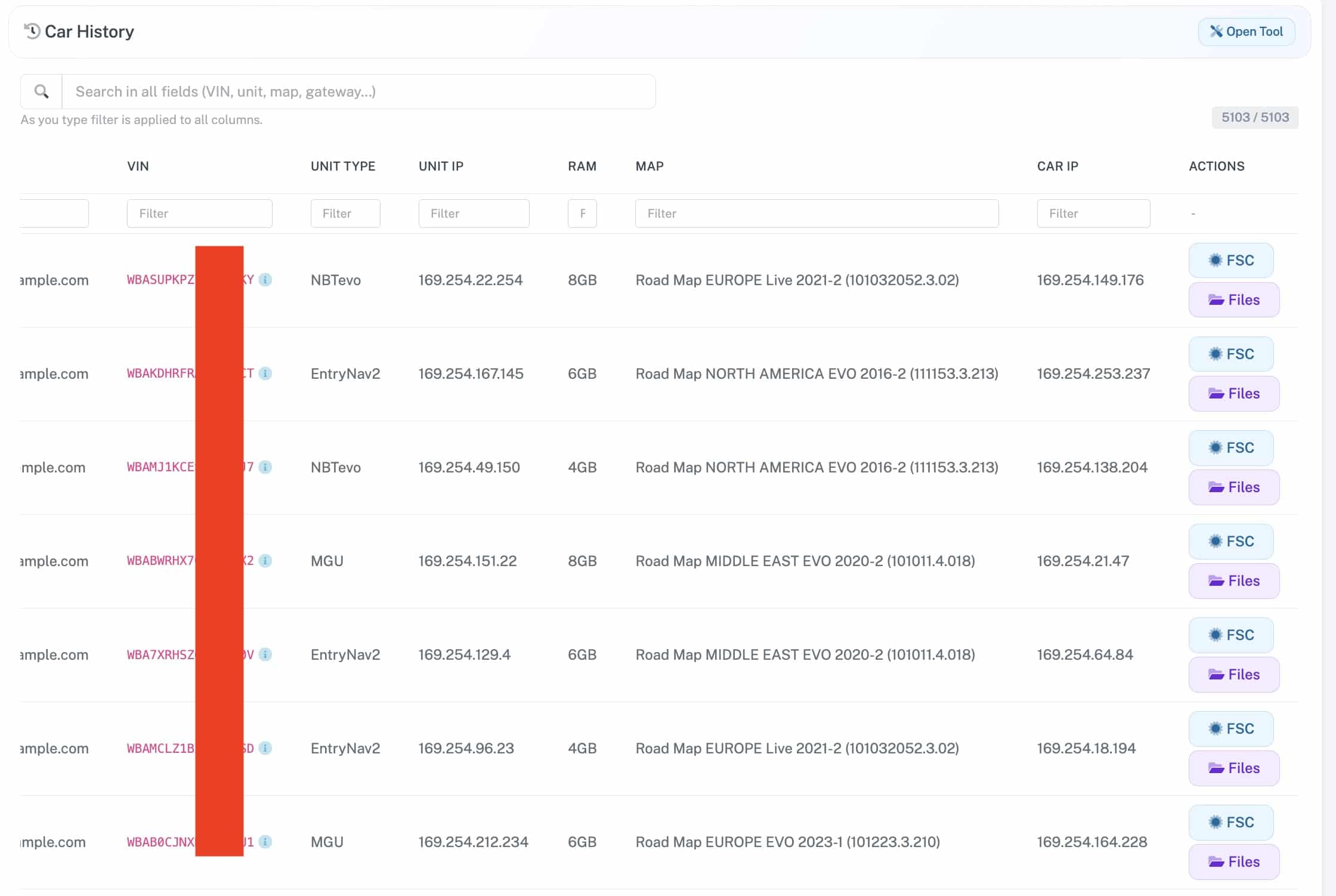
Description
⚡ About FlashXTool
-
-
This software is 100% safe to use and will not harm your car in any way.
-
-
Owned and developed by FlashXCode.com.
-
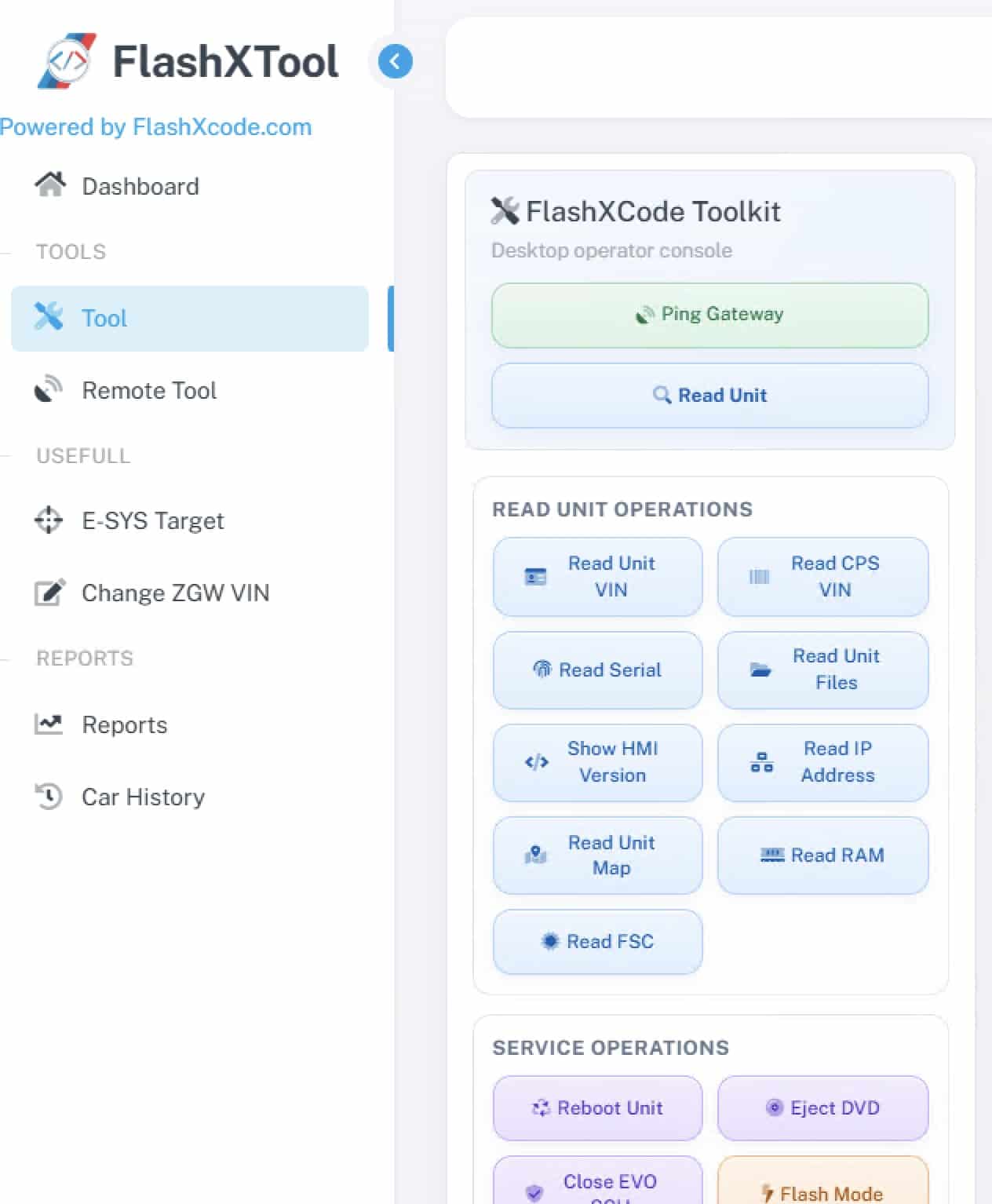
Read-only: the software only reads information from your head unit.
-
It does not write or modify any data on your head unit or other vehicle modules.
🔔 Important Notice
-
After turning on the ignition, please wait at least 60 seconds before starting a read operation.
-
If you reboot the unit, also wait 60 seconds before reading again.
-
If something does not work correctly, simply close and reopen the program.
🌐 Visit us: www.flashxcode.com
Speed. Simplicity. Trust.
🗝 How to Get Your License Key in 3 Easy Steps
-
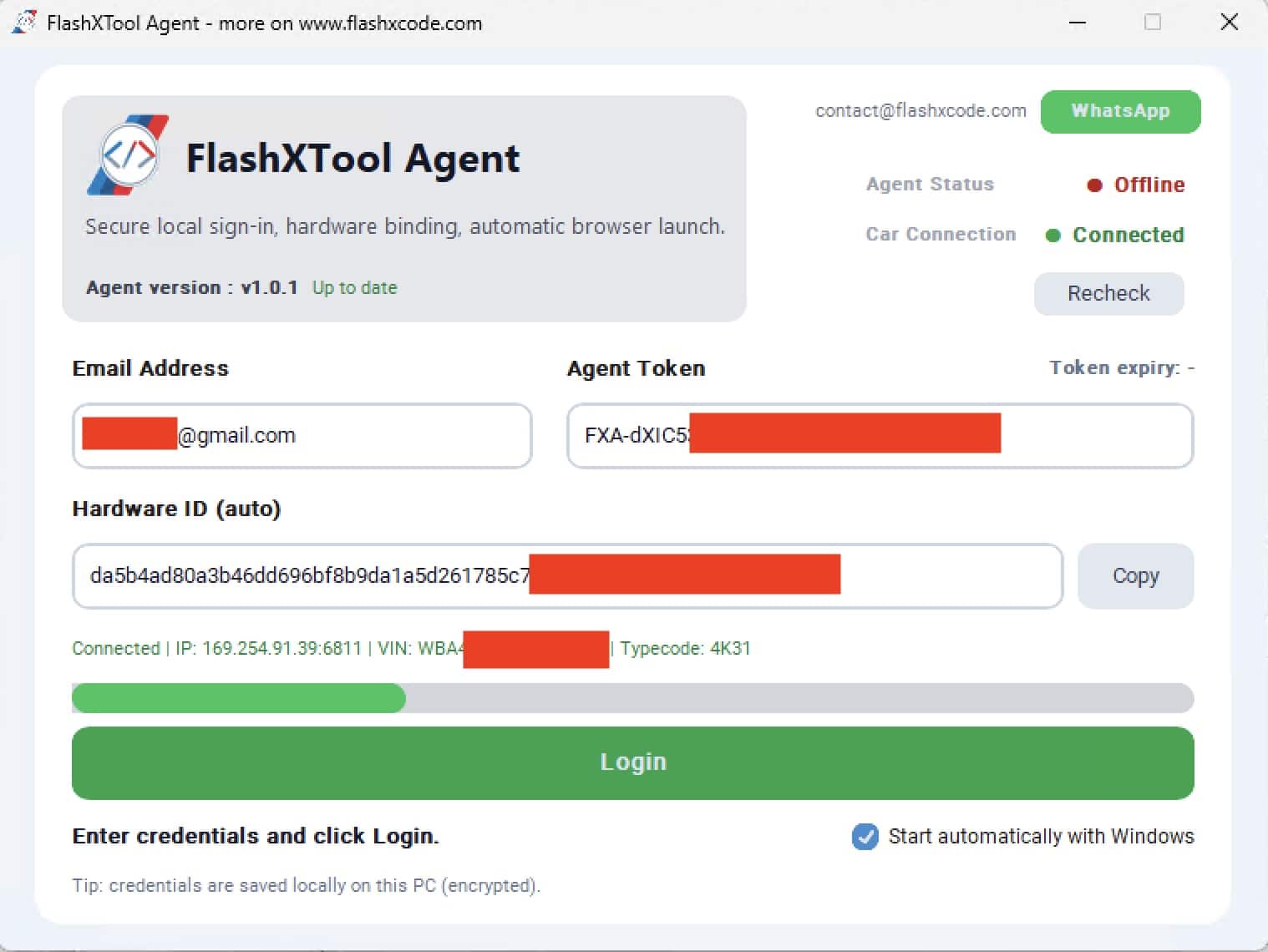
Download & Open FlashXTool Agent on your computer.
-
Copy your Hardware ID from the FlashXTool main window and send it to us via:
-
WhatsApp: +40 741 888 845
-
Email: contact@flashxcode.com
🚫 Please do not send pictures – copy & paste the Hardware ID as text.
-
-
Receive your activation key file from us.
-
For faster activation, WhatsApp is recommended.
-
📩 Need Help?
-
Email: contact@flashxcode.com
-
WhatsApp: +40 741 888 845
We’re here to make the process fast, simple, and secure.


Very competent and very helpful. Had an issue with my headunit BMW NBT. Installed a new harddrive and set it up inside the unit using featurecode installer and putty program. Could solve the problem. Thanks a lot!!!
Very nice program to learn more about the Nbt Evo like ferware on the bench
It does what I need!
Very nice and usefull software for.low price
Great tool