


Description
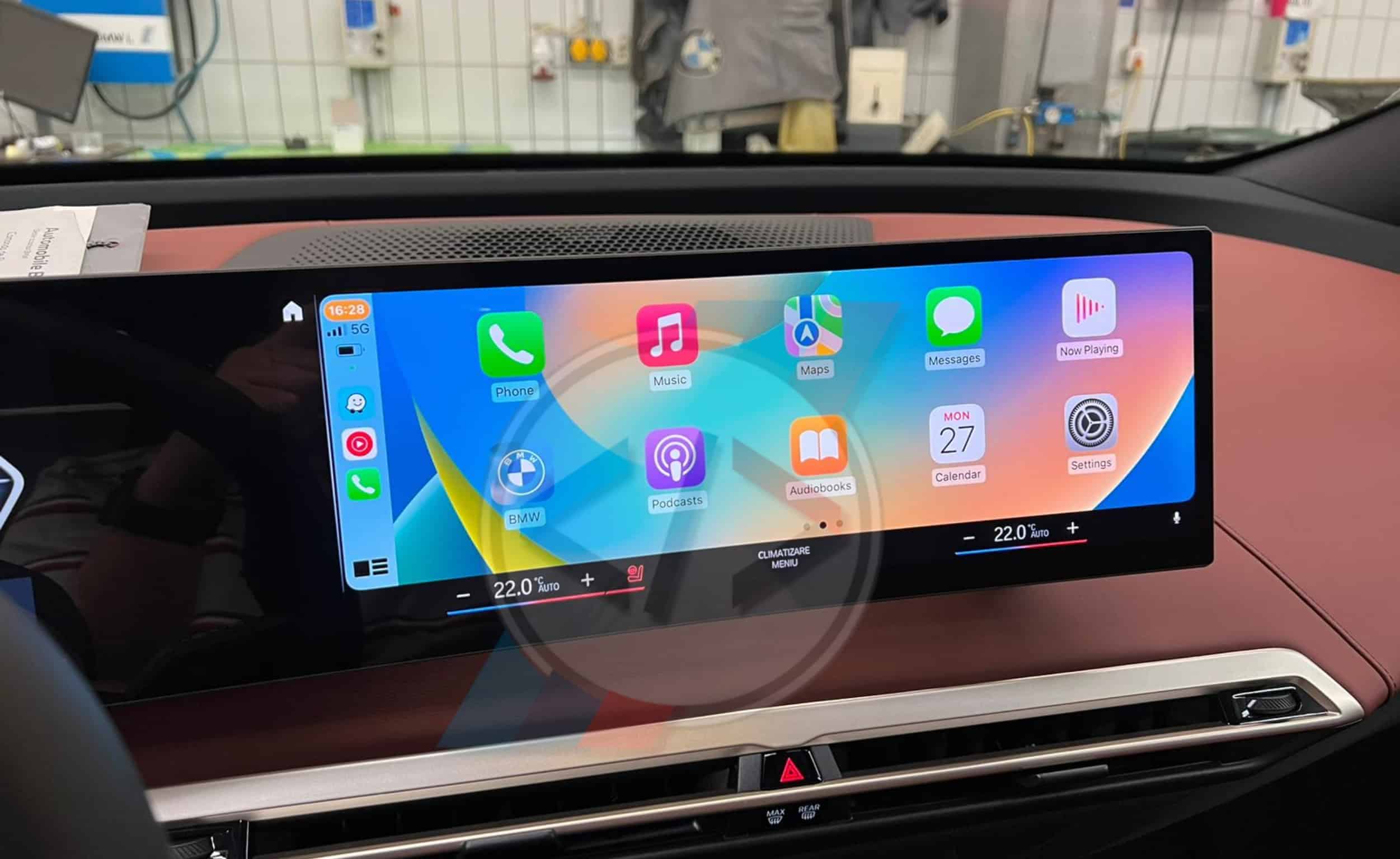
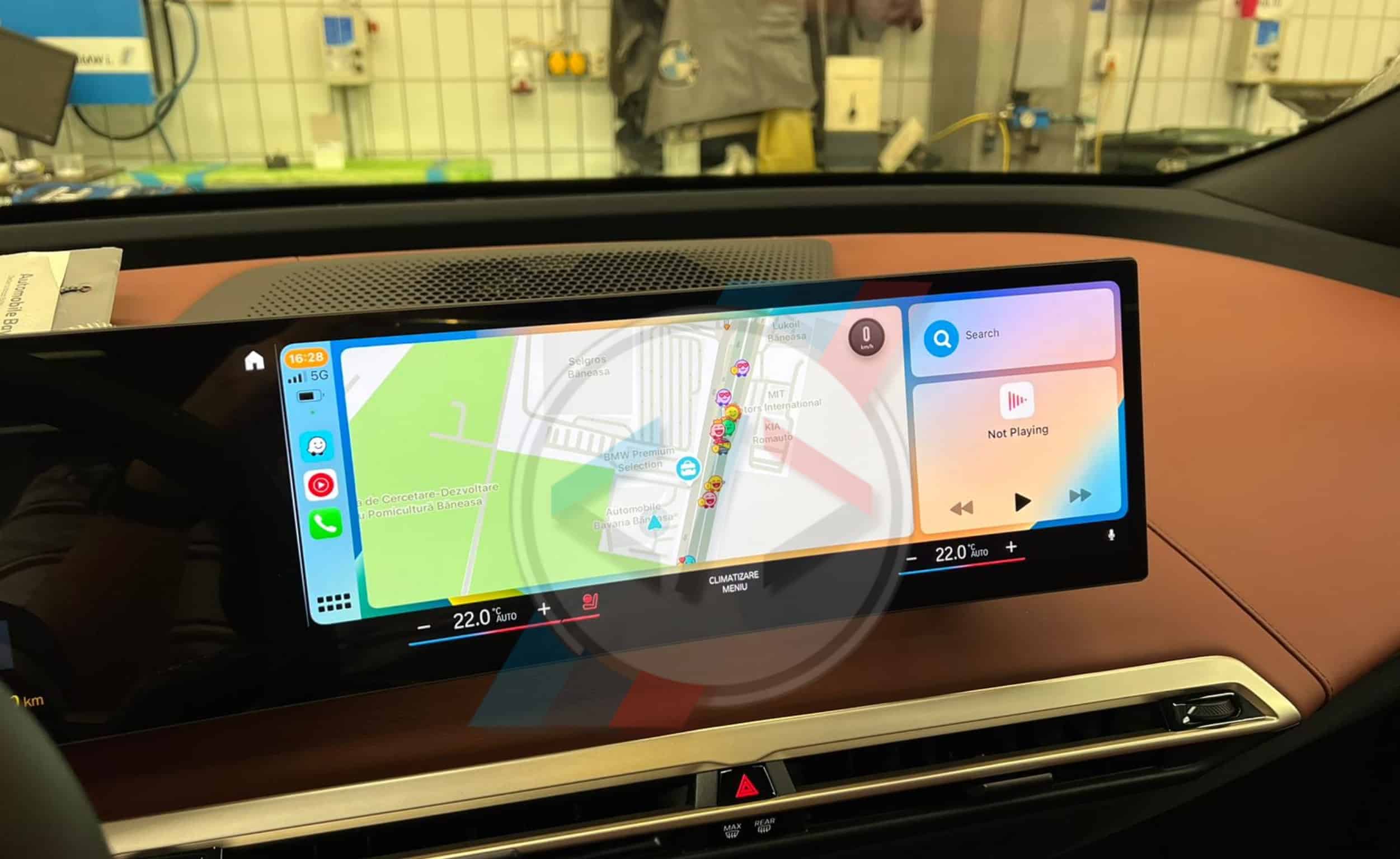
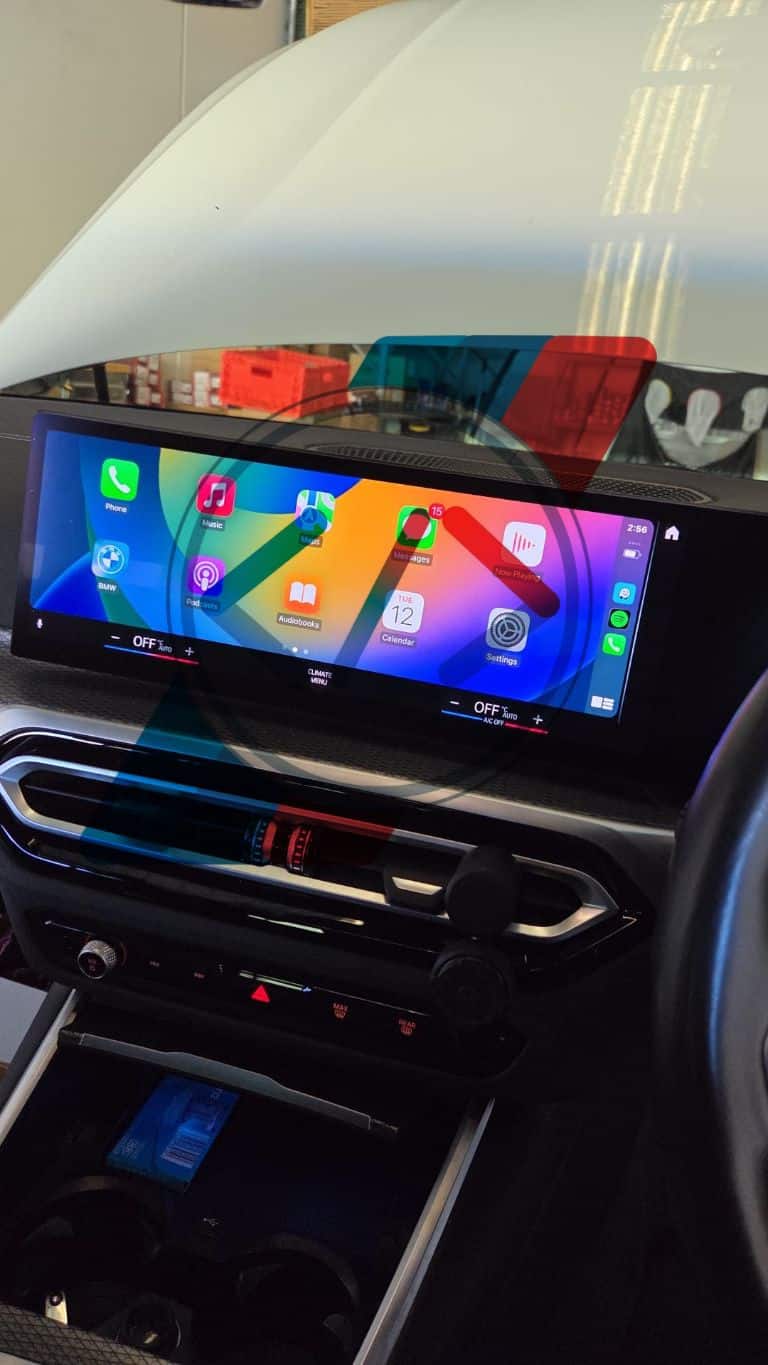
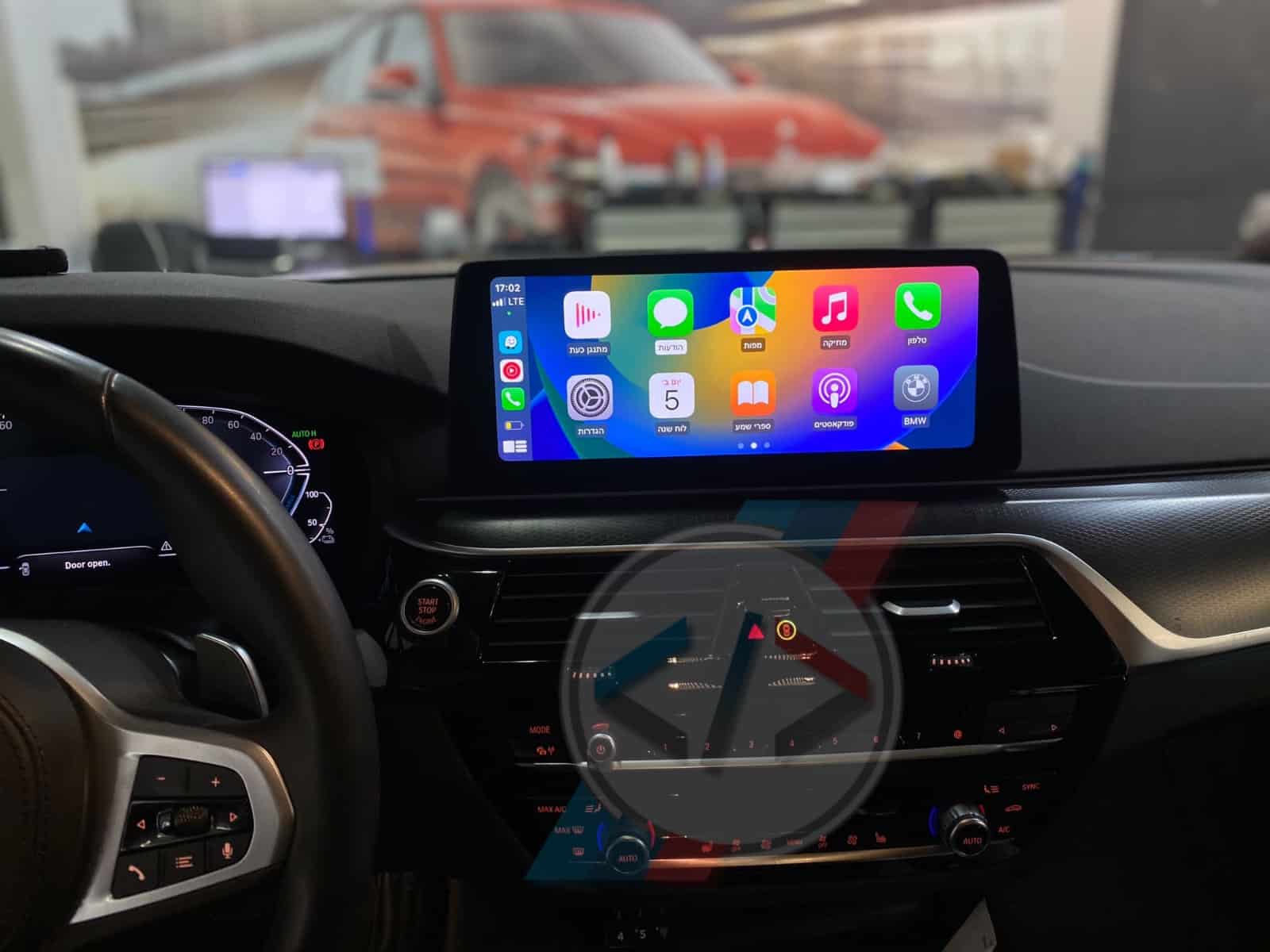
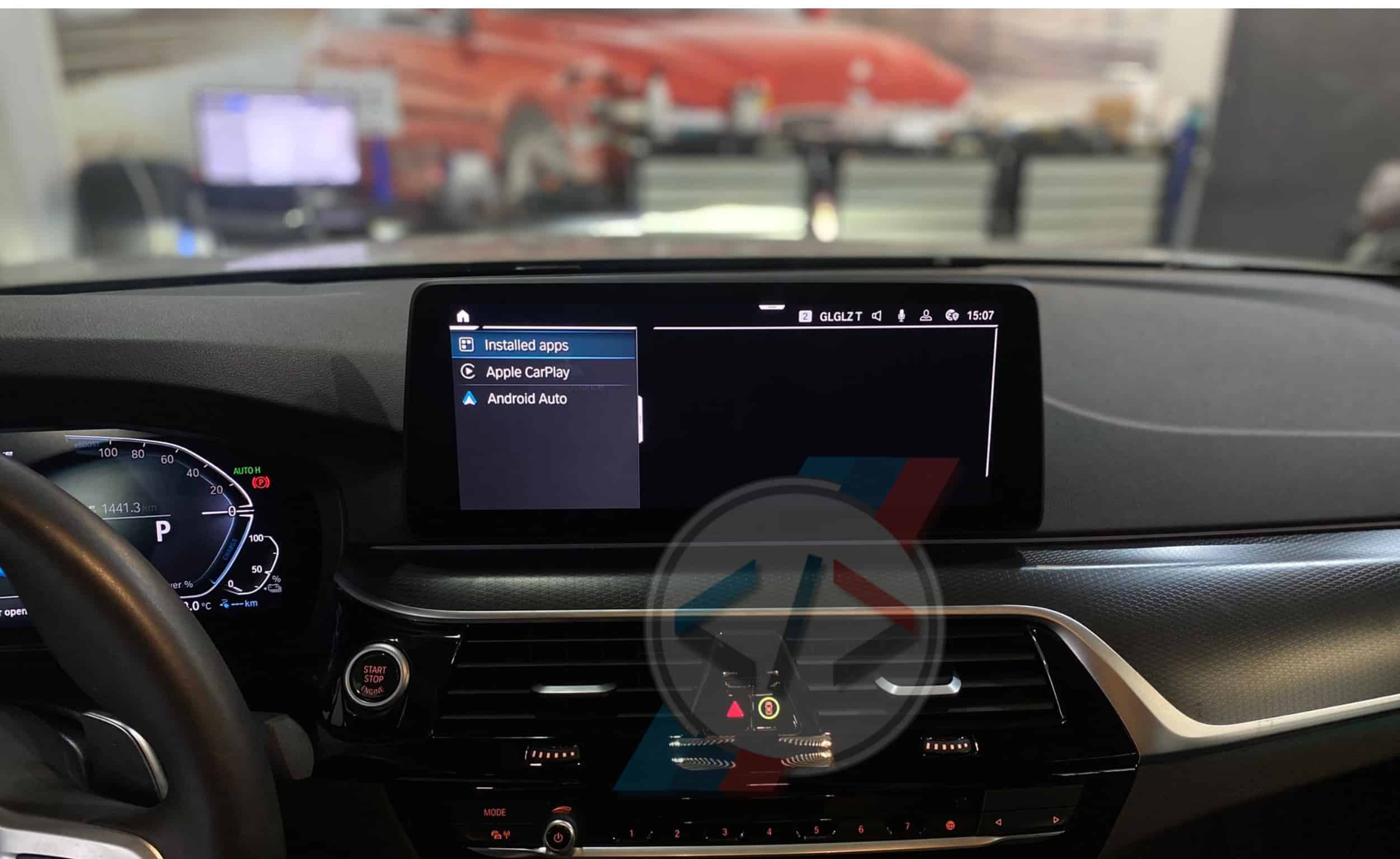
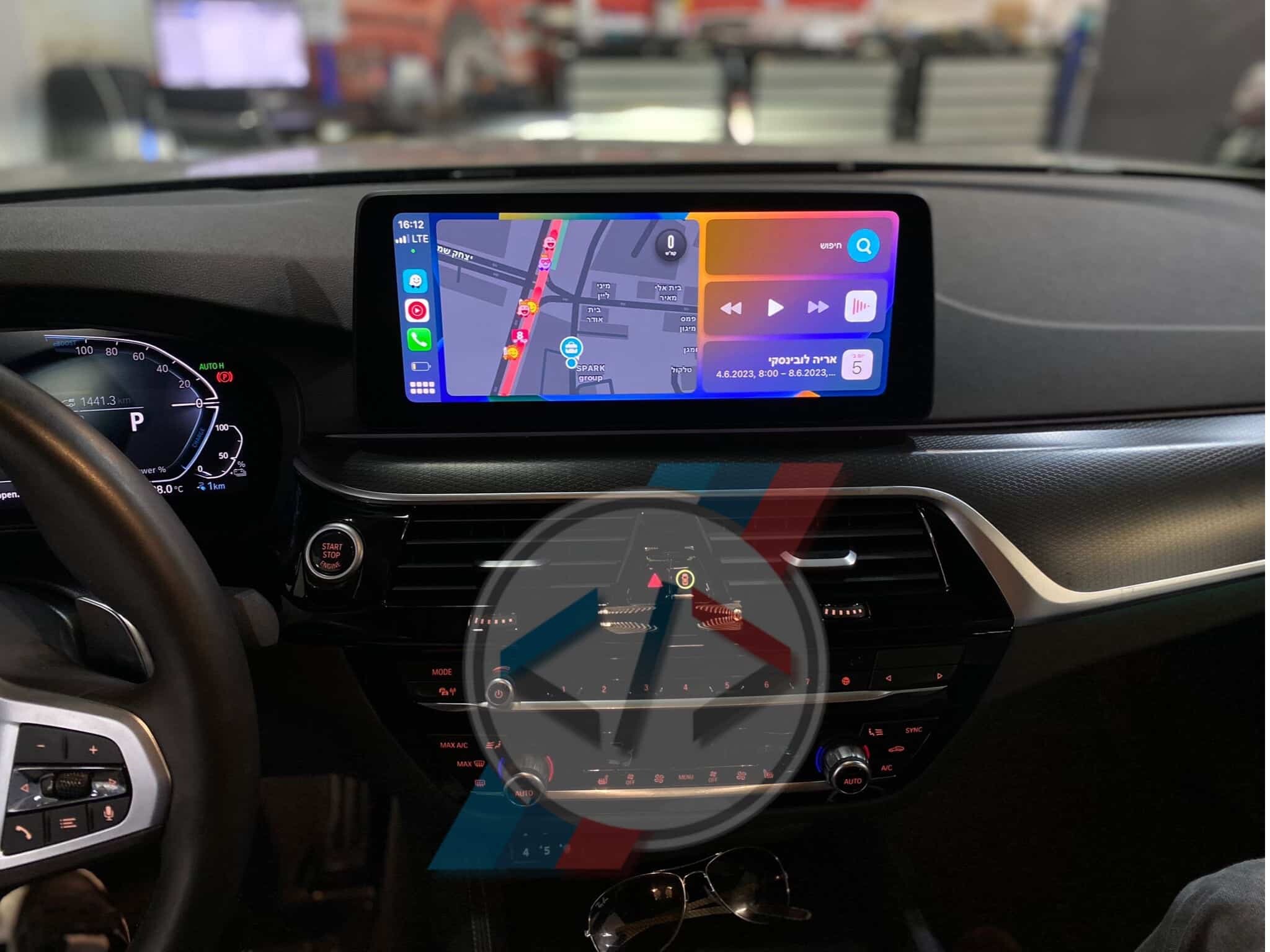
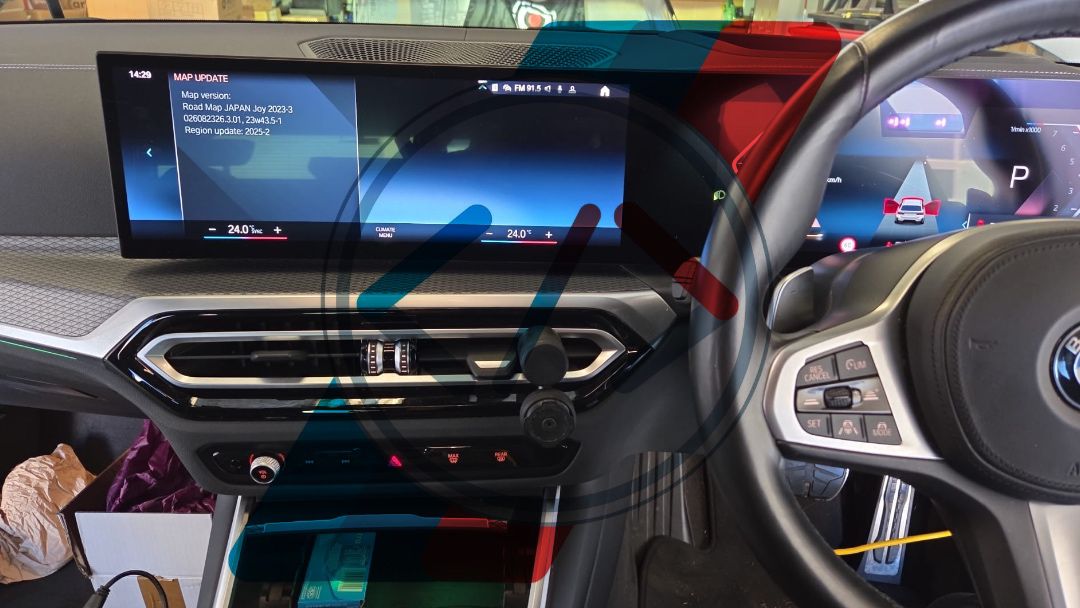
🍎 MGU Region Change + CarPlay + Android Auto + Lifetime maps Update
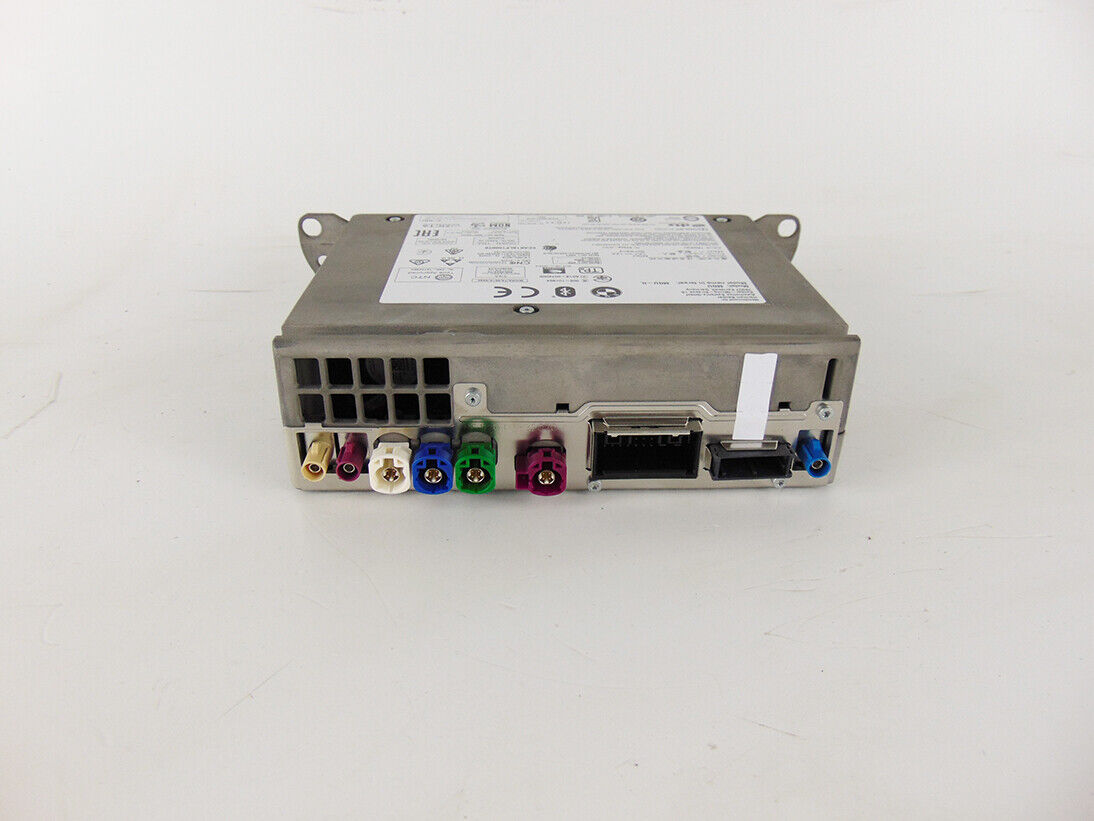

If your Bimmer has an MGU unit, the activation is done remotely via TeamViewer using an ENET cable.
🔧 Step-by-Step Process
-
Install TeamViewer – Download and install the full desktop client from teamviewer.com.
-
Schedule a session – Contact us via WhatsApp or email to book your activation slot.
-
Remote connection – We connect to your laptop remotely and prepare the necessary upgrade files.
-
Connect your laptop – Use a Windows 8/10/11 laptop with ENET cable (USB-C adapters accepted).
-
Power the car – Attach a battery charger or stabilizer to keep your car powered during the process.
-
Start the process – The patch takes between 5 minutes and 1 hour, depending on your unit.
-
FSC Injection – We inject FSC codes and activate Maps, CarPlay, and Android Auto.
-
Error check – All system errors are cleared.
-
Testing – Verify CarPlay and all features work correctly.
-
✅ Done! Enjoy your upgraded system
💻 Requirements
-
Windows 8, 10, or 11 laptop (min. 4GB RAM, 8GB recommended).
-
ENET cable (buy online or DIY – How to build one).
-
⚠️ Do not use USB 2.0 adapters – only USB-C is accepted.
-
At least 20GB free space on C:\ drive (SSD recommended).
-
Admin rights on your laptop.
-
Stable Wi-Fi/internet connection.
-
Battery stabilizer or jumper cables for safe installation.
-
TeamViewer full desktop client installed (latest version recommended).
⚠️ Important Notes
-
📲 If you need urgent activation, contact us via WhatsApp before ordering.
-
❌ No refunds if your unit is not compatible. Always confirm with us first.
🛡️ Disclaimer – Using Our Software
Our software is carefully tested before release. However:
-
You use it at your own risk.
-
In rare cases, upgrades may fail and the unit could stop working.
-
We cannot provide refunds for failed upgrades.
-
We always assist you step-by-step to minimize risks.
⭐⭐⭐⭐⭐
2 reviews for MGU CarPlay + Android Auto + Lifetime maps Update
Only logged in customers who have purchased this product may leave a review.


Rami AlAamri (verified owner) –
Absolutely the best service, money well spent. Thanks for the great service all is working as expected and more.
Michael K. (verified owner) –
Good Job!